


The Slide That Launched a Revolution
January 9, 2007. Steve Jobs walks on stage at Macworld in San Francisco and says, “Today, Apple is going to reinvent the phone.” Behind him: a single image. No bullet points. No charts. No fine print. Just a picture of a phone with a giant touchscreen. That moment — that slide — didn’t just introduce the iPhone. It established a new standard for how products should be presented to the world.
I’ve spent years studying brand presentations, working with companies on how their slides communicate identity. And whenever a client asks, “What’s the gold standard?” I always point to the same person: Steve Jobs. Not because he was flashy. Because he was ruthlessly clear. His Steve Jobs presentation style continues to influence how the best presenters approach their craft, nearly a decade after his passing.
One Idea Per Slide — The Rule He Never Broke
Go back and watch any Jobs keynote — the original Macintosh in 1984, the iPod launch in 2001, the iPhone, the iPad. One thing stays constant: he never put more than one idea on a slide. Often, it was just a single word. Or a number. Or an image.
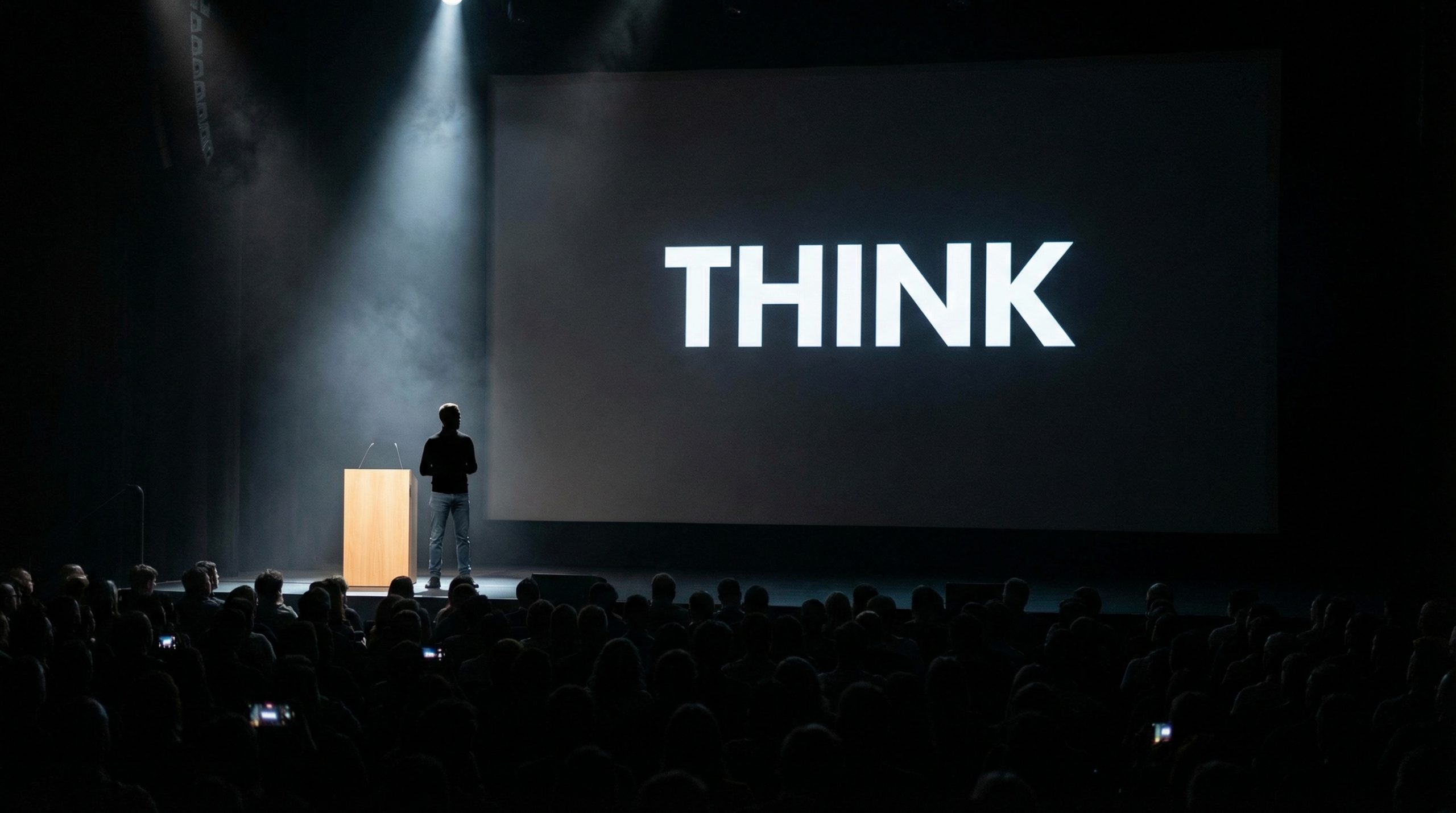
This wasn’t minimalism for the sake of aesthetics (though it was beautiful). It was strategic. Jobs understood that when you put three bullet points on a slide, your audience reads ahead and stops listening to you. When you put one powerful image, they stay with you — the presenter becomes the presentation.
If there’s one principle from slide design fundamentals that Jobs embodied, it’s this: your slides are not your notes. They’re your backdrop.
The “Hero and Villain” Narrative
Jobs didn’t just present products. He told stories with heroes and villains. Before revealing the iPhone, he spent minutes ridiculing existing smartphones — their tiny keyboards, their clunky styluses, their confusing interfaces. He made the audience feel the problem before showing the solution.
This narrative structure — establish the pain, heighten it, then reveal the cure — is something every brand presentation can learn from. I’ve worked with brands that jump straight to their product features on slide two. That’s like starting a movie with the happy ending. You need tension first.
Your presentation is your brand speaking. And Jobs made sure Apple’s brand always spoke with clarity, confidence, and a story worth following.
The Power of Live Demos
Jobs was famous for live demos — and they were terrifying for his team. The iPhone demo in 2007 was held together with what engineers later called “the golden path” — a precise sequence of taps that avoided crashes. One wrong move and it all fell apart on stage.
But that risk was the point. A live demo says, “This is real. This works. I’m so confident I’m showing you right now.” No video, no animation, no mockup can create that same level of trust. If you’re presenting a product, a tool, or even a process, consider a live walkthrough. The imperfection is what makes it believable.
“One More Thing” — The Art of the Unexpected
Jobs popularized a technique that presenters still try to replicate: the surprise ending. After what seemed like the full presentation, he’d pause, almost turn to leave, and say, “Oh, one more thing…” Then he’d drop the biggest announcement.
This wasn’t just showmanship. It’s rooted in recency bias — people remember the last thing they hear most clearly. By saving his most important reveal for the very end, Jobs ensured it was the one thing journalists wrote about, attendees talked about, and the internet shared.
You don’t need to announce a product. You can use this in any presentation: save a surprising statistic, a bold recommendation, or a personal story for the very end. It’s the dessert after the meal — the part people remember.
Rehearsal Was Non-Negotiable
There’s a myth that Jobs was a “natural” presenter. He wasn’t. Former Apple executives have described rehearsal sessions that lasted days. Jobs would practice every transition, every demo, every word. He’d stand on the actual stage in the actual venue and run through the full keynote multiple times.
This is the part most people skip. They spend 40 hours building a deck and 40 minutes rehearsing it. Jobs did the opposite. The slides were simple; the preparation was enormous. As he once said, “It takes a lot of hard work to make something look simple.”
For anyone preparing for a high-stakes presentation, this is the most important lesson. You can read about the art of powerful presentations, but nothing replaces standing up and delivering your talk out loud, over and over.
Numbers That Feel Real
When Jobs announced that Apple had sold 4 million iPhones in the first 200 days, he didn’t just show the number. He said, “That’s 20,000 iPhones every day.” He took an abstract number and made it tangible. He did this constantly — translating big data into human-scale comparisons.
This technique is pure data storytelling. Instead of saying “10 million downloads,” say “That’s the entire population of Portugal downloading our app.” Context transforms data from forgettable to unforgettable.
The Slide Deck as Brand Experience
Every slide in a Jobs keynote was on-brand. The typography was consistent. The color palette matched Apple’s visual identity. The transitions were smooth, never distracting. The overall experience felt like using an Apple product — clean, intuitive, beautiful.
This is where most corporate presentations fail. They have brand guidelines for their website, their packaging, their social media — but their slides look like they were made in 2004 by someone who discovered WordArt. Consistency isn’t boring — it’s professional. Every slide is a brand touchpoint, and Jobs treated each one accordingly.
Emotion Over Specifications
Jobs rarely led with specs. When introducing the iPod, he didn’t say “5GB of storage.” He said, “1,000 songs in your pocket.” That phrase did more to sell the iPod than any technical specification ever could.
The lesson for every presenter: translate features into feelings. Don’t tell your audience what your product does — tell them what it means for their life. This approach works for everything from pitch decks to training sessions to business presentations that get results.
What Jobs Got Wrong (And What We Can Learn)
Jobs wasn’t perfect. His presentation style was highly controlled — there was little room for audience interaction. He rarely took questions during keynotes. And his “reality distortion field” sometimes stretched the truth about product capabilities.
Modern presenters need to adapt his principles for a world that values transparency and dialogue. Keep the simplicity, the storytelling, the rehearsal — but add authenticity. Be willing to say “I don’t know” when asked a tough question. Be open to adjusting your message based on audience questions and feedback.
Bringing Jobs’ Principles Into Your Next Deck
You don’t need Apple’s budget or Jobs’ stage presence to use his principles. Start here:
- Cut your slides in half. Then cut them in half again. If a slide doesn’t earn its place, it goes.
- Find your villain. What problem does your audience face? Make them feel it before you offer the solution.
- Rehearse standing up. Not at your desk. Not silently. Out loud, on your feet, with the clicker in your hand.
- End with a surprise. Save something unexpected for the last five minutes.
- Translate numbers into meaning. Make every statistic feel personal and real.
Steve Jobs didn’t just sell products. He sold visions. And he did it with slides so simple they almost seemed empty — until he opened his mouth. That’s the ultimate lesson: the best presentation design makes the presenter the star, not the slides.

