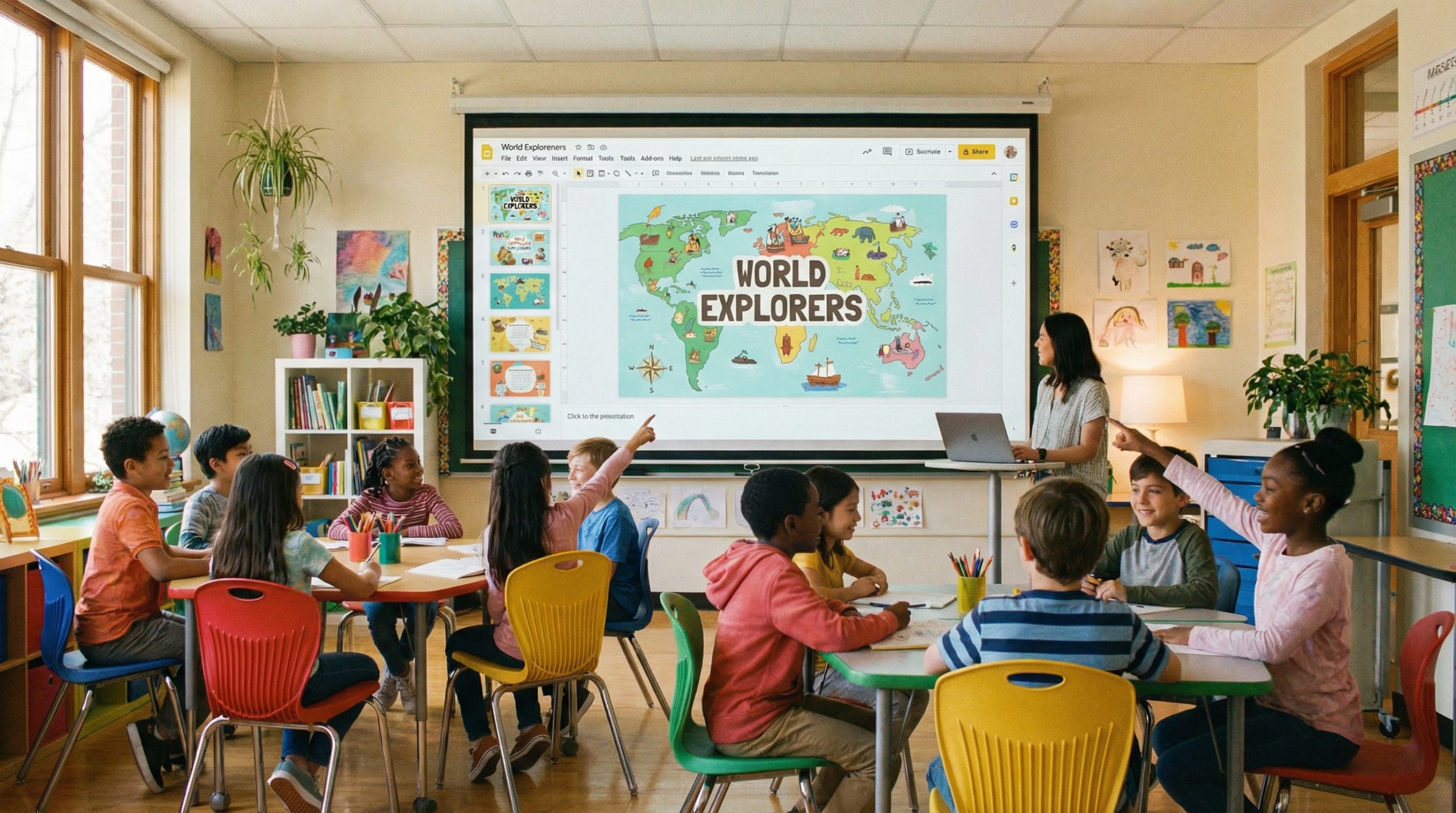
When a Classroom Presentation Becomes a Global Lesson
It started with a history teacher in Ohio who wanted her eighth graders to actually care about the Civil Rights Movement. She didn’t have a budget for new textbooks or fancy software. What she had was Google Slides, a free Unsplash account, and a weekend to spare. By Monday morning, her presentation had been shared by three other teachers. By Friday, it was on Reddit. Within a month, it had been downloaded over 200,000 times.
I’ve spent my career designing training and educational content, and this story fascinates me because it breaks every “rule” about what makes content go viral. There was no marketing team. No influencer promotion. No TikTok dance. Just a teacher who made viral presentation examples the old-fashioned way — by creating something so genuinely useful and beautiful that people couldn’t stop sharing it.
What Made the Presentation Different
I tracked down the original deck and studied it. Here’s what stood out:
Full-bleed photographs on every slide. No clip art. No templates with decorative borders. Every slide used a powerful, historical photograph as the background — stretched edge to edge — with a single sentence overlaid in white text. It looked more like a National Geographic feature than a school presentation.
Minimal text, maximum impact. Each slide had no more than 15 words. Some had just three. The teacher understood something many educators miss: slides are not worksheets. They’re visual anchors for a spoken narrative. The real teaching happened in her voice, not on the screen.
Emotional sequencing. The slides didn’t follow a textbook timeline. They followed an emotional arc — starting with hope, moving through injustice, building to resistance, and ending with a question: “What would you have done?” The students weren’t just learning history. They were feeling it.
The Design Principles That Made It Shareable
When I analyzed why this particular deck spread while millions of other teacher presentations sit in Google Drive untouched, three design principles stood out:
Visual consistency. Every slide followed the same formula: full-bleed photo, white text, same font, same position. This consistency made it feel professional and intentional, even though it was made by a teacher on her lunch break.
Emotional resonance. The photographs weren’t illustrative — they were evocative. A lunch counter sit-in. A child holding a sign. Empty shoes on a bridge. Each image was chosen to create a feeling, not just convey information.
Universal relevance. While the content was specific to American history, the format was universal. Teachers in other countries downloaded it and adapted it for their own curricula. The structure was the innovation, not just the content.
Why Google Slides Was the Perfect Tool
This presentation couldn’t have gone viral if it had been made in PowerPoint. That’s not a knock on PowerPoint — it’s a recognition that Google Slides’ collaboration features are what made distribution possible.
Teachers could view the deck instantly — no downloads, no compatibility issues. They could make a copy with one click and customize it for their own classrooms. They could share it via a link in Facebook groups, teacher forums, and email chains. The frictionless sharing built into Google Slides turned a great presentation into a viral one.
As trainers, we’re not just presenting — we’re facilitating. And the tools we choose should facilitate sharing as easily as they facilitate creation.
Lessons for Every Educator (and Every Presenter)
Whether you teach middle schoolers or train corporate executives, this story holds lessons that go beyond the classroom:
Design like your audience will share it. Most people design presentations for the room they’re presenting in. But what if you designed it knowing someone might forward it to 50 colleagues? That mindset changes everything — from your font choices to your image quality to how much context you include in speaker notes.
Invest in imagery. The Ohio teacher used free, high-quality photographs from Unsplash and the Library of Congress digital archives. You don’t need a stock photo subscription. You need taste. Find images that mean something, not just images that fill space.
Let the slides breathe. I always ask myself: will they remember this tomorrow? If a slide is crammed with text, the answer is almost always no. The viral deck worked because each slide was a single, memorable moment. Learn why cluttered slides fail and how to fix them.
How Other Teachers Have Replicated This Success
Since that original deck went viral, I’ve tracked several other teacher presentations that caught fire online:
A science teacher in Melbourne created a Google Slides presentation about space that used actual NASA imagery as slide backgrounds. She added animated GIFs of rocket launches and satellite deployments. Her students loved it so much they asked to present it to other classes — and those students shared it with their parents.
A language arts teacher in Toronto built a choose-your-own-adventure story using Google Slides’ linking feature. Students clicked through narrative choices on each slide, arriving at different endings. The presentation was shared in a teachers’ subreddit and received over 4,000 upvotes.
A math teacher in Lagos used Slides to create visual word problems featuring local landmarks and currencies. International math educators adapted the format for their own contexts, and the template was eventually featured in a Google for Education spotlight.
What all these share: creativity within constraints. None of these teachers had budgets. They had imagination and a free tool.
Building Your Own Shareable Presentation
Want to create something that spreads? Here’s the framework I use in every training I design:
- Start with one powerful question. Not a learning objective — a question that makes your audience curious. “What would you have done?” is more compelling than “Students will understand the Civil Rights Movement.”
- Choose images that create feelings. Browse Unsplash, Pexels, or public domain archives. Look for photos with human faces, dramatic lighting, or unexpected compositions.
- Use one font, one color, one layout. Consistency is what separates professional-looking from amateur. Pick a sans-serif font (like Montserrat or Raleway), use white or black text, and stick with the same placement on every slide.
- Add speaker notes. If someone copies your deck, they need context. Write detailed speaker notes that explain what to say on each slide. This dramatically increases how useful your presentation is to others.
- Share it publicly. Post it in relevant communities — education forums, Reddit, LinkedIn, Facebook groups for teachers. Add a Creative Commons license so others feel comfortable using it.
The Bigger Lesson About Viral Content
The Ohio teacher didn’t set out to go viral. She set out to make her students pay attention. That’s the part most people get backwards. They design for virality — adding flashy transitions, trendy fonts, buzzword titles. But the presentations that actually spread are the ones that solve a real problem for a real audience.
Engagement isn’t a feature — it’s the foundation. When you build something genuinely useful, genuinely beautiful, and genuinely easy to share, you don’t need a marketing strategy. The content markets itself.
So the next time you sit down to build a presentation — whether it’s for 30 students or 3,000 conference attendees — ask yourself this: “Would someone share this if they didn’t have to?” If the answer isn’t an immediate yes, keep designing until it is.