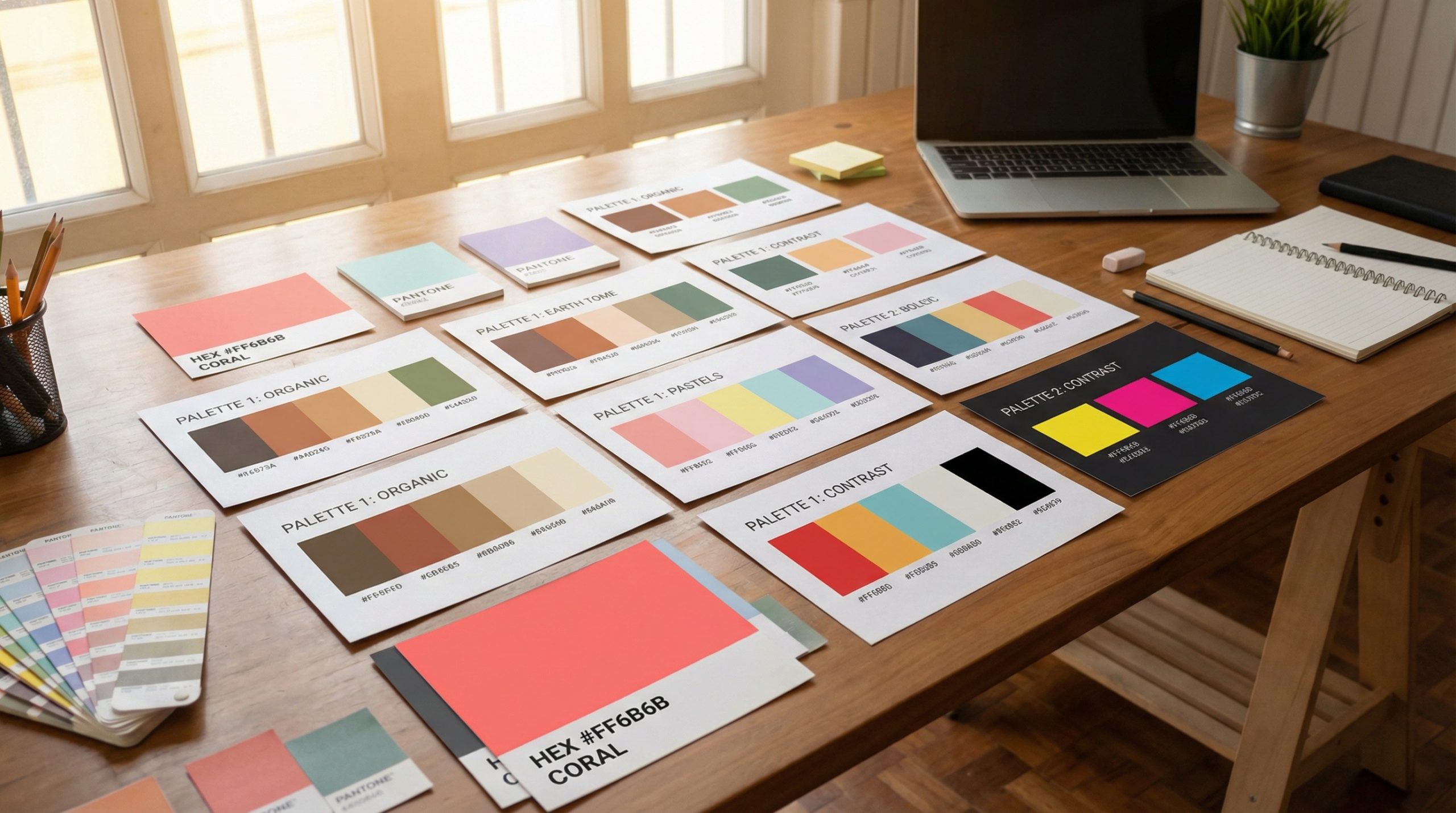
Color is the first thing your audience notices — before they read a single word. The right presentation color scheme instantly communicates professionalism, creativity, energy, or calm. The wrong one? It whispers “I grabbed the first template I found.”
Choosing colors shouldn’t be guesswork. Whether you’re building a corporate quarterly review, a startup pitch deck, or a creative portfolio presentation, there’s a palette that fits perfectly. Here are 12 curated color schemes — complete with hex codes — so you can copy and paste your way to better-looking slides.
How to Use These Color Schemes
Each palette includes five colors. Here’s how to apply them:
- Primary: Your dominant color — used for headers, key elements, and branded accents
- Secondary: Supporting color for subheadings and secondary elements
- Accent: A pop color for call-to-action buttons, highlights, and emphasis
- Background: Your slide background color
- Text: Your main body text color
In PowerPoint, go to Design → Variants → Colors → Customize Colors to set these as your theme. In Google Slides, use Slide → Edit Theme to update your master colors. In Canva, add them to your Brand Kit.
1. Corporate Navy — For Boardrooms and Business Reports
Clean, authoritative, and timeless. This palette says “we take this seriously” without being stuffy.
- Primary: #1B3A5C (Deep Navy)
- Secondary: #4A7FB5 (Steel Blue)
- Accent: #E8913A (Warm Amber)
- Background: #F7F8FA (Cool White)
- Text: #2D3436 (Charcoal)
Best for: Quarterly reviews, financial reports, board presentations, strategy decks.
2. Startup Fresh — For Pitch Decks and Demo Days
Energetic and modern. This palette communicates innovation and forward momentum — perfect for when you need investors to feel excited.
- Primary: #6C5CE7 (Electric Purple)
- Secondary: #00CEC9 (Teal)
- Accent: #FF6B6B (Coral Red)
- Background: #FFFFFF (Clean White)
- Text: #2D3436 (Charcoal)
Best for: Pitch decks, product launches, startup demos, innovation proposals.
3. Minimalist Mono — For Let-the-Content-Speak Moments
Sometimes the most powerful design choice is restraint. This near-monochrome palette puts all the focus on your words and data.
- Primary: #2D3436 (Near Black)
- Secondary: #636E72 (Medium Gray)
- Accent: #0984E3 (Signal Blue)
- Background: #FAFAFA (Off White)
- Text: #2D3436 (Near Black)
Best for: Data presentations, academic talks, research findings, consulting decks.
4. Warm Earth — For Education and Training
Approachable and grounded. Earth tones create a comfortable atmosphere that’s ideal for longer presentations where you need people to stay engaged without visual fatigue.
- Primary: #A0522D (Sienna Brown)
- Secondary: #D4A574 (Warm Sand)
- Accent: #2E8B57 (Forest Green)
- Background: #FDF6EC (Cream)
- Text: #3E2723 (Dark Brown)
Best for: Training sessions, workshops, educational seminars, nonprofit presentations.
5. Bold Impact — For Keynotes and Main Stage
High-contrast and dramatic. When you’re on a big stage with a large screen, subtlety gets lost. This palette commands attention from the back row.
- Primary: #E74C3C (Bold Red)
- Secondary: #F39C12 (Amber)
- Accent: #FFFFFF (White)
- Background: #1A1A2E (Deep Dark Blue)
- Text: #ECEFF1 (Light Gray)
Best for: Conference keynotes, motivational talks, large-audience events.
6. Ocean Calm — For Healthcare and Wellness
Soothing and trustworthy. Blue-green palettes are psychologically associated with calm and reliability — exactly what you want in health-related contexts.
- Primary: #0077B6 (Ocean Blue)
- Secondary: #48CAE4 (Sky Blue)
- Accent: #06D6A0 (Mint Green)
- Background: #F0F9FF (Ice Blue)
- Text: #023E54 (Deep Teal)
Best for: Healthcare presentations, wellness programs, mental health talks, pharmaceutical decks.
7. Creative Studio — For Design and Portfolio Showcases
Playful but polished. This palette lets your creative work shine while maintaining enough structure to feel professional.
- Primary: #FF6348 (Coral Orange)
- Secondary: #5F27CD (Royal Purple)
- Accent: #FFC312 (Bright Yellow)
- Background: #FFFFFF (White)
- Text: #2C3A47 (Dark Slate)
Best for: Design portfolios, creative agency pitches, marketing campaign presentations.
8. Executive Green — For Sustainability and ESG Reports
Naturally authoritative. Green palettes immediately signal environmental consciousness and growth — ideal for sustainability presentations that need to be taken seriously.
- Primary: #1B5E20 (Deep Green)
- Secondary: #66BB6A (Leaf Green)
- Accent: #FDD835 (Solar Yellow)
- Background: #F1F8E9 (Pale Green)
- Text: #1B2631 (Forest Dark)
Best for: Sustainability reports, ESG presentations, environmental proposals, green initiatives.
9. Tech Dark — For Product Demos and SaaS Pitches
Sleek and modern. Dark-mode presentations feel contemporary and tech-forward, perfect for software demos where dark backgrounds make UI screenshots pop.
- Primary: #00D2FF (Cyan)
- Secondary: #7C4DFF (Violet)
- Accent: #00E676 (Neon Green)
- Background: #121212 (Material Dark)
- Text: #E0E0E0 (Light Gray)
Best for: Software demos, SaaS presentations, tech startup pitches, developer conferences.
10. Elegant Rose — For Luxury and Lifestyle Brands
Sophisticated and refined. This palette communicates premium quality without being flashy — ideal for brands where understated elegance matters.
- Primary: #C2185B (Deep Rose)
- Secondary: #F8BBD0 (Soft Pink)
- Accent: #CFB53B (Old Gold)
- Background: #FFF8FA (Blush White)
- Text: #37474F (Dark Slate)
Best for: Luxury brand presentations, fashion industry decks, high-end hospitality proposals.
11. Civic Trust — For Government and Public Sector
Conservative and trustworthy. This palette balances authority with accessibility — important when presenting policy, regulations, or public-facing information.
- Primary: #1A237E (Institutional Blue)
- Secondary: #B71C1C (Government Red)
- Accent: #F9A825 (Gold)
- Background: #ECEFF1 (Cool Gray)
- Text: #263238 (Blue-Gray Dark)
Best for: Government presentations, policy briefings, public sector reports, legal presentations.
12. Sunset Gradient — For Social Media and Marketing
Vibrant and trendy. Gradient-inspired palettes dominate modern marketing — use these colors to create slides that feel fresh and Instagram-worthy.
- Primary: #F7971E (Golden Orange)
- Secondary: #FF6B6B (Warm Pink)
- Accent: #A855F7 (Purple)
- Background: #FFFBF5 (Warm White)
- Text: #1F2937 (Ink Dark)
Best for: Marketing presentations, social media strategies, influencer pitch decks, campaign reviews.
Color Theory Basics for Non-Designers
Don’t want to use a pre-built palette? Here are the rules for building your own:
60-30-10 rule: 60% background/dominant color, 30% secondary color, 10% accent color. This ratio creates visual balance every time.
Test for accessibility: Use WebAIM’s contrast checker to ensure your text color has at least a 4.5:1 contrast ratio against your background. This isn’t just good practice — it makes your slides readable for everyone.
Stay consistent: Once you choose a palette, stick with it across every slide. Introducing random colors mid-deck creates visual chaos and undermines your professional appearance.
Put Your Palette to Work
Pick the scheme that matches your next presentation, plug in the hex codes, and watch your slides transform from generic to intentional. Color isn’t decoration — it’s communication. The right palette doesn’t just make your slides look better; it makes your message land harder.
Explore more design tips and presentation resources at Presenter’s Arena.