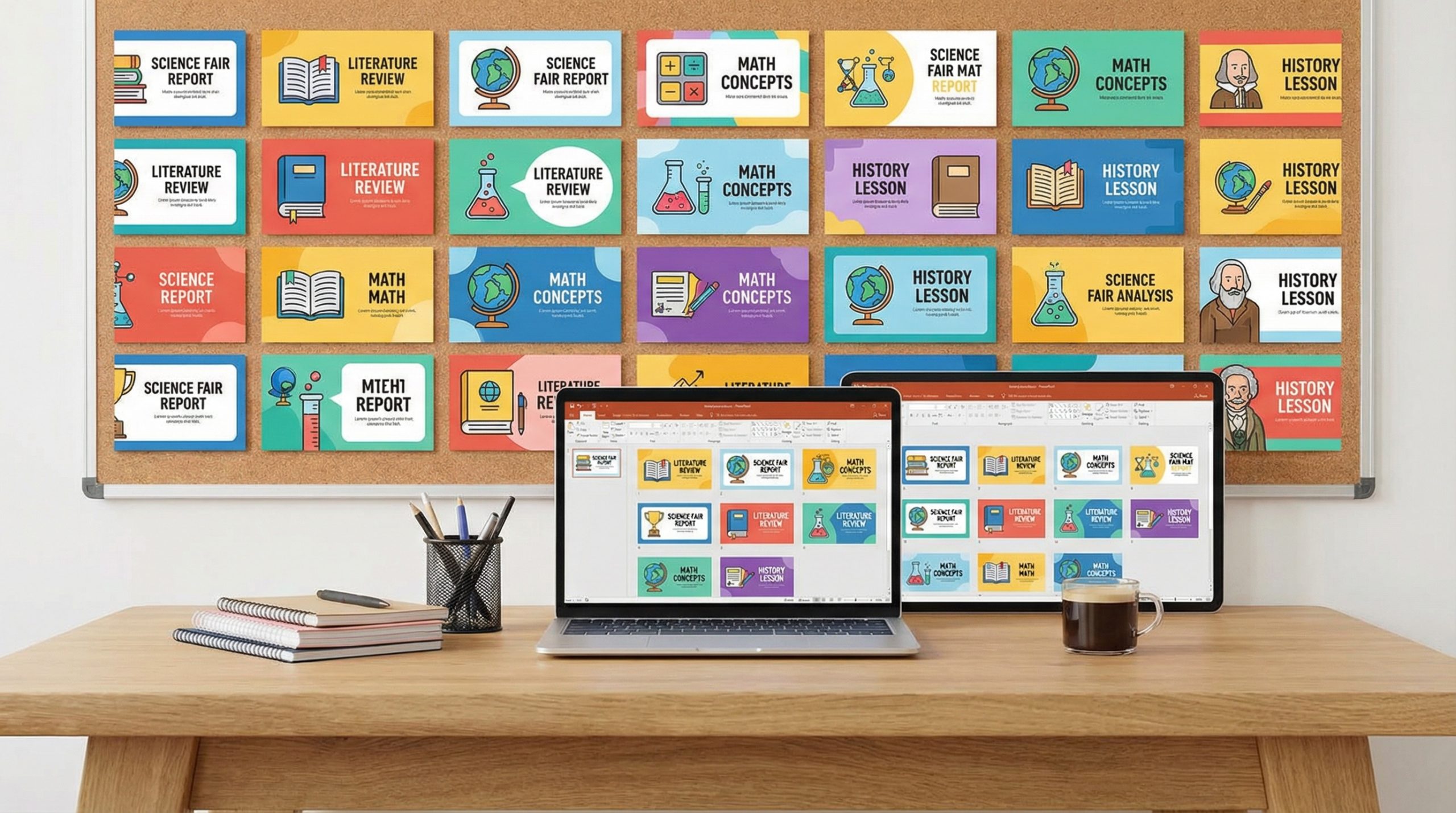
Because Teachers Shouldn’t Have to Design Slides at Midnight
I get it. It’s 11 PM on a Sunday night. You have a lesson to deliver at 8 AM. The content is ready in your head, but your slides look like they were made in 2008 — because they probably were. You don’t have time to design a beautiful presentation from scratch. You don’t have budget for premium templates. What you need is something free, clean, and ready to go in under 10 minutes.
I’ve been a PowerPoint enthusiast for over 20 years, and I’ve tested hundreds of free PowerPoint templates for teachers. Most of them are terrible — clip art nightmares with Comic Sans headers. But there are genuine gems out there if you know where to look. Here are 10 templates I personally recommend, all completely free.
1. Modern Classroom by SlidesCarnival
SlidesCarnival offers some of the best free templates on the internet. Their Modern Classroom template features a clean, pastel color scheme with geometric accents. It includes layouts for objectives, timelines, comparison charts, and quiz slides — all pre-designed and ready to fill.
Best for: High school and college lectures. The design is mature enough for older students without being boring.
What I like: It includes a built-in icon library in the slide master, so you don’t need to hunt for icons separately.
2. Interactive Quiz Template by Microsoft Education
Microsoft’s own Education Community has a collection of free templates specifically designed for teachers. Their Interactive Quiz template includes animated question slides with reveal answers, a scoreboard slide, and customizable color coding for different subjects.
Best for: Review sessions and test prep. Students love the game-show feel.
What I like: The animations are already set up — you just change the text. No animation knowledge required.
3. Chalkboard Theme by FPPT
FPPT‘s chalkboard template mimics a traditional blackboard with white chalk-style text. It sounds kitschy, but the execution is surprisingly charming. It includes layouts for definitions, vocabulary lists, step-by-step processes, and discussion prompts.
Best for: Elementary and middle school. Younger students respond well to the familiar classroom aesthetic.
What I like: The dark background is easier on the eyes during long classroom sessions, and white text on dark backgrounds is more readable on projectors in rooms with ambient light.
4. Science Lab Template by Canva (PowerPoint Export)
While Canva is its own platform, many of their free templates can be exported as .pptx files. The Science Lab template features molecular illustrations, lab equipment graphics, and a color scheme of deep blues and greens. It’s ideal for STEM teachers who want subject-specific visuals.
Best for: Biology, chemistry, and physics classes. The visuals immediately signal “science” without needing to add content-specific imagery.
What I like: You can customize it in Canva first, then export to PowerPoint for presenting — giving you the best of both worlds. Check out Canva’s presentation capabilities for more.
5. Timeline History Template by SlideBazaar
SlideBazaar offers a free timeline template that’s perfect for history and social studies teachers. The horizontal timeline layout lets you plot events chronologically with images and brief descriptions. It includes 10 slide variations — from simple timelines to detailed event breakdowns.
Best for: History, social studies, and any subject that teaches chronological sequences.
What I like: The timeline graphics are fully editable — you can add or remove events without breaking the design.
6. Minimal Education by Slidesgo
Slidesgo‘s Minimal Education template is clean to the point of elegance. White backgrounds, a single accent color, and generous white space make every slide feel professional. It includes layouts for learning objectives, key concepts, group activities, and assessment rubrics.
Best for: Any grade level, any subject. The minimal design lets your content speak without visual distraction.
What I like: It follows the best practices of white space in slide design — something most teacher templates ignore entirely.
7. Interactive Notebook Template by Teachers Pay Teachers (Free Section)
The free section of Teachers Pay Teachers includes PowerPoint templates designed to mimic interactive notebooks. These are particularly popular for elementary teachers who want students to engage with content visually — with tabs, foldable sections, and graphic organizer-style layouts.
Best for: Elementary classrooms and special education settings where visual organization supports learning.
What I like: The designs feel like actual student materials, which creates a sense of familiarity and ownership.
8. Math Equations Template by Presentationgo
Presentationgo offers a math-specific template with built-in equation layouts, graph backgrounds, and calculator imagery. The grid-style backgrounds make it easy to position mathematical expressions neatly.
Best for: Math teachers at any level. The gridded backgrounds are genuinely useful for showing algebraic work.
What I like: The template includes pre-formatted text boxes sized for equations, so your math expressions look clean and professional without fighting PowerPoint’s auto-formatting.
9. Project-Based Learning Template by Google (PowerPoint Compatible)
Google’s Applied Digital Skills program offers free presentation templates designed for project-based learning. While originally for Google Slides, they download cleanly as .pptx files. They include slides for project proposals, research logs, milestone trackers, and final presentation structures.
Best for: Any teacher using PBL (project-based learning) methodology. Students can use the same template to present their own projects.
What I like: The templates are designed for student use, so they’re intentionally simple — which means they’re also fast for teachers to adapt.
10. World Language Template by SlideModel (Free Version)
SlideModel offers a free world language template with layouts for vocabulary, verb conjugation tables, conversation practice, and cultural comparisons. Available in their free template section.
Best for: Foreign language and ESL/ELL teachers. The structured layouts are perfect for vocabulary drills and grammar lessons.
What I like: The two-column comparison slides are ideal for showing English alongside the target language — a layout I use in every language lesson I help design.
How to Customize Any Template in 10 Minutes
Here’s my power-user trick for making any template your own without spending hours:
- Change the accent color. Go to Design → Variants → Colors. Pick one that matches your school or subject. This instantly makes the template feel customized.
- Replace placeholder images. Use free sites like Unsplash or Pexels. Search for your topic and download 3-5 relevant images.
- Delete slides you don’t need. Most templates include 20-30 slides. You probably need 10-15. Delete the rest. A shorter, focused presentation is always better.
- Add your school logo. Place it on the Slide Master (View → Slide Master) and it automatically appears on every slide.
- Save as a template file (.potx). This lets you reuse it for every future lesson without starting from scratch.
These steps work with any of the 10 templates above and take under 10 minutes. For more time-saving techniques, explore PowerPoint shortcuts every teacher should know.
Why Templates Are a big deal for Educators
Teachers are some of the most time-starved professionals I know. You’re creating content, grading, communicating with parents, attending meetings, and somehow fitting professional development into the margins. Spending 2 hours designing a presentation from scratch is time you don’t have.
A good template does 80% of the design work for you. It ensures consistency, professionalism, and visual appeal — and it frees your time for what actually matters: the content and the teaching. That’s why choosing the right template is one of the smartest time investments an educator can make.
Bookmark this list. Save these templates. And the next Sunday night at 11 PM, you’ll be done with your slides in 10 minutes instead of staying up until midnight. You deserve that.