


I Spent a Week Building the Same Deck in Both — Here’s What Happened
Every few months, someone tells me about a tool that’s “going to kill PowerPoint.” I’ve heard it about Prezi, Canva, Beautiful.ai, and a dozen others. PowerPoint is still here. But when Gamma launched and started gaining serious traction among founders, designers, and content creators, I decided it was time to put it to the actual test.
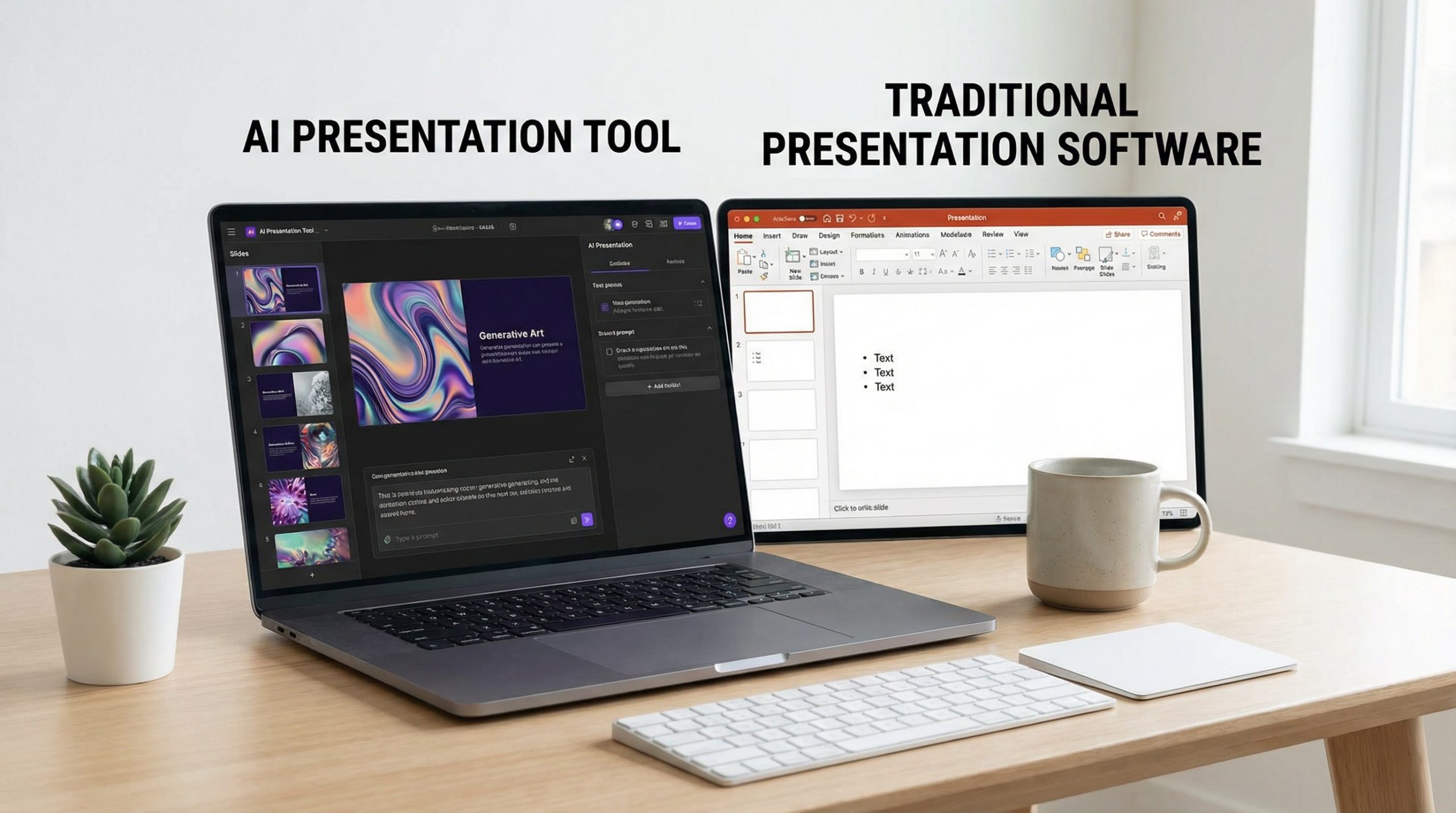
So I did something I don’t see enough reviewers do: I built the exact same 15-slide presentation in both Gamma and PowerPoint. Same content, same structure, same audience. Then I presented both versions to a small group and asked for honest feedback. Here’s what I found.
What Is Gamma, Exactly?
For those unfamiliar, Gamma is an AI-powered presentation platform that launched in 2022 and has been rapidly evolving. You feed it a topic, outline, or document, and it generates a complete presentation — layout, imagery, and structure included. You can then edit everything manually.
It’s not a PowerPoint clone. Gamma presentations are web-native — they live in the browser, scroll vertically (like a webpage), and adapt to any screen size. There’s no “slide” in the traditional sense. It’s more like a visual document that you present.
PowerPoint, of course, needs no introduction. It’s been the industry standard since 1987 and processes over 30 million presentations daily. With the addition of Copilot AI in 2024, it now has its own AI capabilities.
Speed: Gamma Wins, But There’s a Catch
Building a first draft in Gamma took me about 8 minutes. I pasted in my outline, chose a style, and Gamma generated 15 cards with relevant imagery, headings, and placeholder text. The AI even suggested content based on my topic. It was impressive.
The same deck in PowerPoint took me about 45 minutes — and that’s with a template. Choosing layouts, finding images, formatting text, aligning elements. PowerPoint gives you total control, but that control costs time.
Here’s the catch: refining the Gamma deck to match my standards took another 30 minutes. The AI-generated text was decent but generic. The images were relevant but not specific enough. I ended up replacing about 60% of the AI suggestions. So the total time? Roughly equal. Gamma gets you to 70% faster, but the last 30% still requires human judgment.
Design Quality: It Depends on What You Need
Gamma’s designs are modern, clean, and consistent by default. Every card follows the same visual language. The typography is web-optimized. The color schemes are cohesive. If you need a good-looking deck fast and you’re not a designer, Gamma is genuinely excellent.
PowerPoint’s design quality depends entirely on you (or your template). Out of the box, PowerPoint’s default templates are… fine. But with solid design principles and a premium template, PowerPoint can produce presentations that are visually superior to anything Gamma currently offers. The ceiling is much higher — but so is the effort.
AI Features: A Fair Fight in 2026
Gamma was born AI-first. Its content generation, layout suggestions, and image selection are deeply integrated. You can literally type “Create a deck about Q3 sales results” and get something usable in minutes.
PowerPoint’s Copilot has caught up significantly. In 2026, you can prompt Copilot to generate slides from a Word document, suggest layouts, create speaker notes, and even summarize long decks. It’s not as smooth as Gamma’s integration — it still feels like AI bolted onto a legacy product — but it’s powerful.
The key difference? Gamma’s AI shapes the entire experience. PowerPoint’s AI is an assistant within a traditional tool. If you want AI to drive the process, choose Gamma. If you want AI to help while you drive, PowerPoint Copilot is the better fit. For a deeper get into the space, check out how AI is changing presentations.
Presentation Delivery: PowerPoint Still Dominates
This is where PowerPoint’s decades of refinement show. Presenter View, slide timings, embedded videos, custom animations, laser pointer, ink tools — PowerPoint’s delivery mode is a fully equipped cockpit. You can rehearse with timings, record narration, and export to video.
Gamma’s presentation mode is simpler. You share a link, and your audience scrolls through a beautiful web page. It works well for async sharing — like sending a deck to a client who’ll read it on their own time. But for standing in front of a room and presenting? PowerPoint gives you far more control.
If you present live regularly, this gap matters. PowerPoint’s keyboard shortcuts and presenter tools are unmatched.
Collaboration: Gamma Edges Ahead
Gamma is cloud-native, so real-time collaboration is built in from the ground up. Multiple people can edit simultaneously, leave comments, and see changes instantly. It feels like working in Google Docs.
PowerPoint’s collaboration has improved with OneDrive and SharePoint integration, but it’s not as smooth. Version conflicts still happen. Co-authoring can be laggy. And not everyone in your organization may be on Microsoft 365 — which creates compatibility headaches.
For distributed teams that need to build decks together quickly, Gamma’s collaboration experience is genuinely superior.
Customization and Advanced Features: PowerPoint Wins
If you need custom animations, morph transitions, embedded interactive charts, VBA macros, or pixel-perfect positioning, PowerPoint is still the only option. Gamma doesn’t support advanced animations. You can’t create morph transitions between cards. There’s no equivalent to Slide Master for deep template customization.
For corporate environments with strict brand guidelines, PowerPoint’s template system — master slides, custom layouts, locked elements — is essential. Gamma’s templates are beautiful but less customizable at the enterprise level.
Who Should Use Gamma?
- Founders and startups who need decks fast and don’t have a design team
- Content creators who share presentations as visual documents online
- Anyone who hates design — Gamma makes everyone look like a designer
- Teams that prioritize speed over pixel-perfect control
- Async communication — when your deck needs to stand on its own without a presenter
Who Should Stick With PowerPoint?
- Corporate presenters with brand templates and compliance requirements
- Professional speakers who need Presenter View, timings, and full delivery control
- Design-heavy presentations requiring custom animations and transitions
- Anyone who presents live regularly — PowerPoint’s stage tools are unbeatable
- Regulated industries where offline access and data security are non-negotiable
My Honest Verdict for 2026
Gamma isn’t a PowerPoint killer. It’s a PowerPoint alternative for a specific use case: fast, beautiful, AI-generated visual documents that you share online. If that’s your workflow, Gamma is phenomenal. I use it for quick client proposals, internal updates, and content I share via link.
But when I’m preparing for a keynote, building a high-stakes business presentation, or creating something that requires precise visual control, I still open PowerPoint. The tools aren’t competing as much as they’re serving different needs.
The best AI tool is the one that disappears into your workflow. For some of you, that’s Gamma. For others, it’s PowerPoint with Copilot. And for many — it might be both, used for different occasions.
This is where presentations are heading: not one tool to rule them all, but a toolkit that fits the task. Choose accordingly.

