


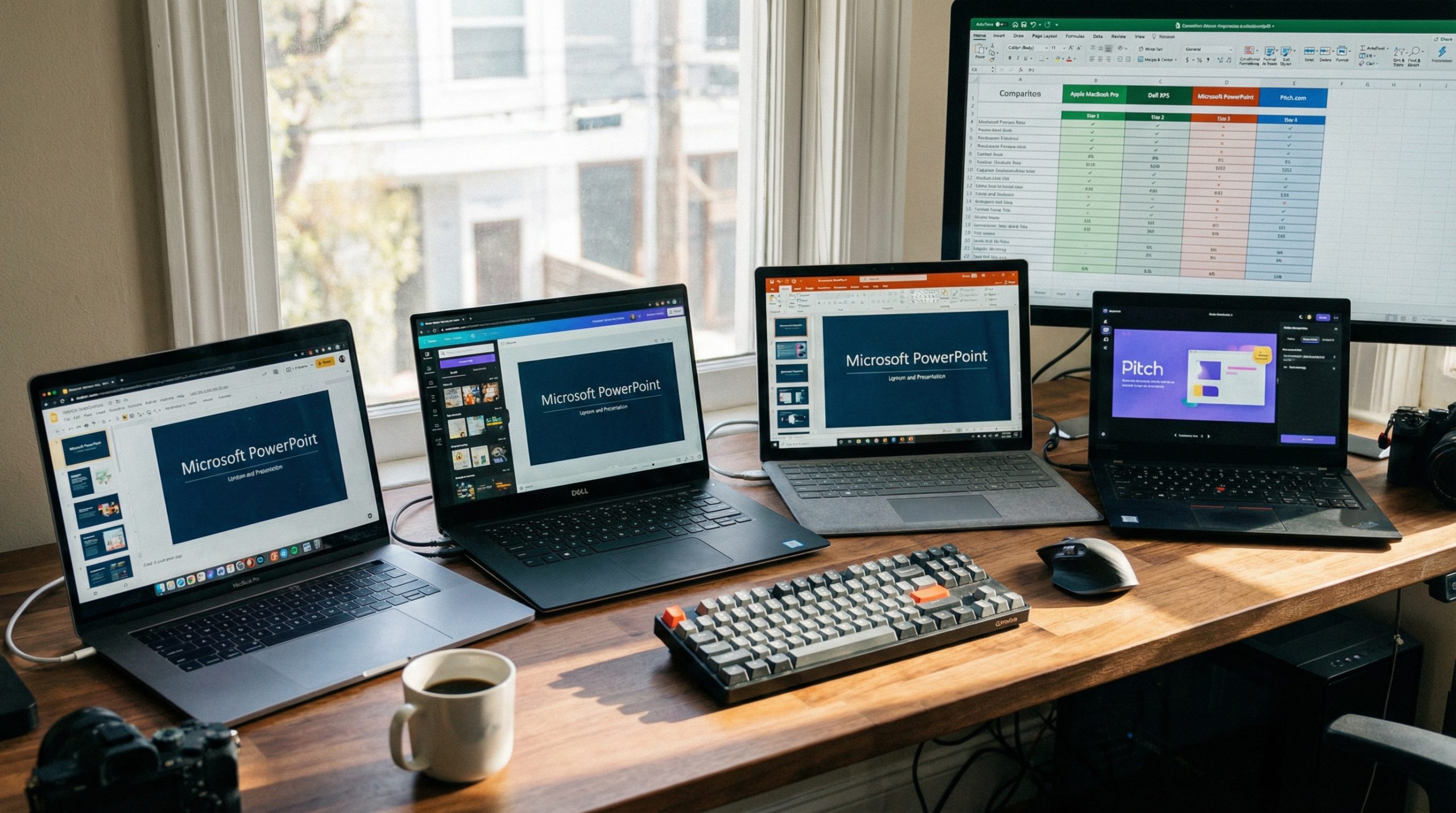
PowerPoint has dominated presentations for over three decades, but let’s be honest — not everyone wants to pay for a Microsoft 365 subscription, and not everyone needs the full weight of PowerPoint’s feature set. Whether you’re a student, freelancer, startup founder, or just someone who makes occasional presentations, there are excellent free alternatives that might be exactly what you need.
We tested 10 free PowerPoint alternatives head-to-head in 2026, evaluating ease of use, design quality, collaboration features, export options, and what you actually get without paying. Here’s what we found.
1. Google Slides — Best Overall Free Option
Google Slides is the most widely used PowerPoint alternative for good reason. It’s entirely free, runs in your browser, and offers real-time collaboration that’s genuinely smooth.
What’s great: Zero cost, excellent collaboration (multiple editors simultaneously), automatic saving to Google Drive, works on any device with a browser, imports and exports PowerPoint files, solid template library.
What’s lacking: Design capabilities feel limited compared to PowerPoint. Animation options are basic. Offline mode works but isn’t as smooth. Advanced formatting options are sparse.
Best for: Teams who need real-time collaboration, educators, anyone already in the Google ecosystem.
2. Canva — Best for Non-Designers
Canva‘s free plan is surprisingly generous for presentations. The drag-and-drop interface makes beautiful slides accessible to people with zero design experience.
What’s great: Hundreds of free templates with professional polish, intuitive interface, built-in stock photos and illustrations, brand kit (limited on free plan), direct presenting from browser, easy sharing.
What’s lacking: Some of the best templates and elements require Canva Pro ($13/month). Exporting to PowerPoint format sometimes breaks layouts. Animation options on free plan are basic.
Best for: Freelancers, social media presentations, anyone who wants polished slides without design skills. Check out our Canva presentation tips for getting the most from the free plan.
3. Gamma — Best AI-Powered Alternative
Gamma has emerged as a big deal in 2026. Describe what you want, and its AI generates a complete, well-designed presentation in minutes. The free plan gives you generous credits to get started.
What’s great: AI-generated presentations from text prompts, modern card-based design, beautiful default styling, web-native (no downloads needed), interactive elements built in, analytics on viewer engagement.
What’s lacking: Free plan has limited AI credits. Gamma watermark on free presentations. Less control over fine-grained design compared to PowerPoint. Export options are limited on free tier.
Best for: Quick presentations, startup pitches, anyone who values speed over pixel-perfect control.
4. Prezi — Best for Non-Linear Presentations
Prezi broke the mold with its zoomable canvas concept. Instead of linear slides, you navigate through a spatial map of ideas — zooming in for details and out for the big picture.
What’s great: Unique zoom-based navigation that stands out, Prezi Video lets you overlay content during video calls, engaging for spatial and visual thinkers, impressive for audience attention.
What’s lacking: The free plan makes all your presentations public. Can cause motion sickness if overused. Learning curve is steeper than traditional slide tools. Limited free templates.
Best for: Conference speakers, educators, anyone wanting to break free from the linear slide paradigm.
5. LibreOffice Impress — Best Desktop Free Option
LibreOffice Impress is the closest thing to a free, offline PowerPoint clone. It’s part of the LibreOffice suite — an open-source office package that’s been reliable for years.
What’s great: Completely free and open source, works offline, strong PowerPoint file compatibility, no account required, no cloud dependency, runs on Windows/Mac/Linux.
What’s lacking: Interface feels dated compared to modern tools. Template selection is poor. No real-time collaboration. Design capabilities lag behind cloud alternatives.
Best for: Users who need offline access, privacy-conscious users, Linux users, organizations that avoid cloud tools.
6. Keynote (Apple) — Best for Mac Users
Keynote is free on all Apple devices and iCloud.com. If you’re in the Apple ecosystem, it’s arguably the most beautiful presentation tool available at any price.
What’s great: Stunning default animations and transitions, beautiful templates, cinematic object effects, precise design tools, excellent for visual presentations, free on Mac/iPad/iPhone/iCloud.
What’s lacking: Apple ecosystem only (though iCloud.com works in browsers). PowerPoint export can break complex formatting. Collaboration features aren’t as solid as Google Slides.
Best for: Mac and iPad users, design-focused presentations, creative professionals.
7. Pitch — Best for Startup Teams
Pitch was built specifically for modern teams creating pitch decks, strategy presentations, and project updates. The free plan supports up to a limited number of presentations.
What’s great: Purpose-built for business presentations, excellent collaboration tools, beautiful templates designed for pitch decks, presentation analytics, clean modern interface.
What’s lacking: Free plan limits the number of presentations. Less versatile for non-business use cases. Smaller community and ecosystem than Google Slides or Canva.
Best for: Startup teams, business presentations, collaborative deck-building.
8. Slides.com — Best for Web Developers
Slides.com creates HTML-based presentations that live online. Built on the reveal.js framework, it’s perfect for tech-savvy presenters who want full control.
What’s great: HTML-based (highly customizable), works in any browser, developer-friendly with CSS control, good for embedding code snippets, responsive presentations.
What’s lacking: Free presentations are public. Steeper learning curve. Limited templates compared to consumer tools. Not ideal for corporate environments.
Best for: Developers, tech talks, anyone comfortable with web technologies.
9. Zoho Show — Best Free G-Suite Alternative
Zoho Show is the underrated option in this list. Part of Zoho’s free office suite, it offers solid collaboration and a clean interface without the Google ecosystem lock-in.
What’s great: Completely free, real-time collaboration, good PowerPoint compatibility, broadcast feature for remote presentations, clean interface, no ads.
What’s lacking: Smaller template library. Less community support and fewer integrations. Not as polished as Google Slides. Brand awareness is low, so audiences may not recognize the tool.
Best for: Small businesses avoiding Google/Microsoft, teams wanting free collaboration without ecosystem commitment.
10. WPS Presentation — Best PowerPoint Replica
WPS Office includes a presentation tool that looks and feels remarkably similar to PowerPoint. If muscle memory matters, this is your pick.
What’s great: Interface nearly identical to PowerPoint, excellent file compatibility, works offline, supports .pptx natively, free on mobile, lightweight application.
What’s lacking: Free version shows ads. Some features require premium. Cloud collaboration is limited on free plan. Privacy concerns have been raised about data handling.
Best for: Users who want the PowerPoint experience without the cost, mobile presenters.
Quick Comparison: How They Stack Up
Here’s a snapshot to help you decide:
For collaboration: Google Slides wins. Nothing matches its real-time co-editing.
For design without skills: Canva. The templates do the heavy lifting.
For speed: Gamma. AI generation is genuinely fast.
For offline use: LibreOffice Impress or WPS Presentation.
For Apple users: Keynote. It’s not even close on Mac/iPad.
For startups: Pitch or Gamma. Purpose-built for the use case.
Which Alternative Fits You Best?
PowerPoint remains the industry standard, but you don’t need it to make great presentations. Each tool on this list serves a specific use case well, and most are genuinely free — not “free trial” or “free with a catch.”
My suggestion: try Google Slides for your next collaborative deck and Canva for your next solo presentation. Those two cover 90% of use cases without costing a cent. If you need AI speed, give Gamma a shot. And if you’re on a Mac, Keynote is a treasure you’re already sitting on.
Explore more presentation tool reviews and guides at Presenter’s Arena.

