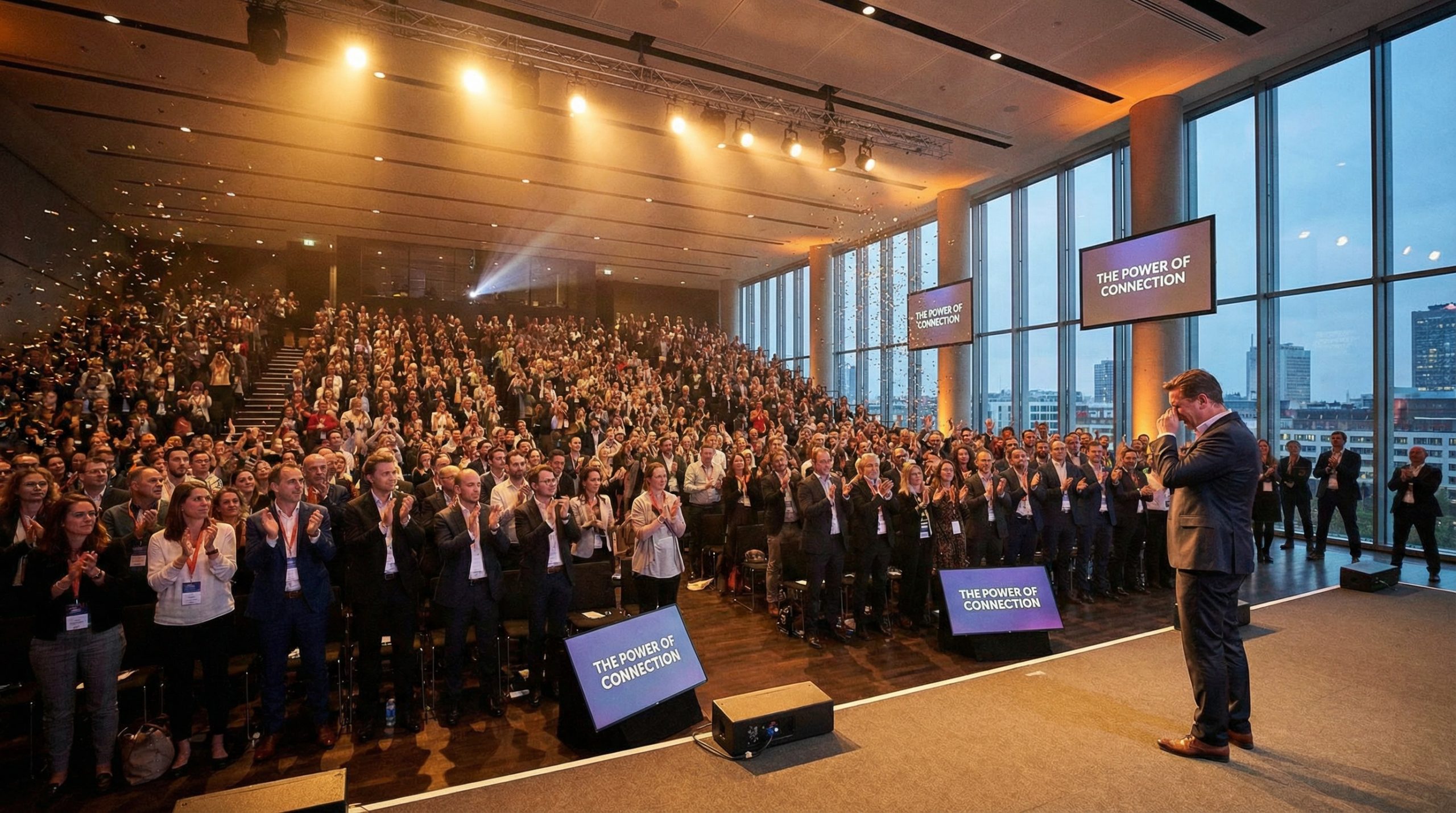
Here’s a confession from someone who’s delivered over 200 keynotes: the ending of your presentation matters more than the beginning. Bold claim? Maybe. But think about it — people remember the last thing you say far longer than the first. It’s called the recency effect, and it’s one of the most well-documented phenomena in psychology.
Yet most presenters end with the laziest two words in public speaking: “Thank you.” They mumble it while clicking to a blank slide, and the audience claps politely out of obligation, not inspiration. That’s not an ending — it’s a surrender.
If you want your presentation to stick, you need to design your closing with the same care you give your opening. Here are 10 techniques that the best speakers in the world use to end presentations people actually remember.
1. End With a Clear Call to Action
The most effective presentation endings tell the audience exactly what to do next. Not vaguely — specifically. A call to action transforms passive listeners into active participants.
Example: “Before you leave this room, I want you to do one thing. Open your phone, text one colleague the single biggest insight you got today, and commit to trying it this week.”
The best CTAs are immediate, specific, and achievable. Don’t ask people to “change the world” — ask them to take one concrete step in the next 24 hours. TED speakers who include specific calls to action see dramatically higher engagement after their talks.
2. Callback to Your Opening
This is the “bookend” technique, and it’s devastatingly elegant. Reference the story, question, or statistic you opened with — but now with new meaning after everything the audience has learned.
Example: If you opened with “What if everything you know about leadership is wrong?” you close with: “So now you know — everything you knew about leadership was wrong. And now you have the tools to lead differently.”
Callbacks create a satisfying narrative arc. The audience feels like they’ve been on a complete journey — from question to answer, from problem to solution. It’s the same technique screenwriters use, and it works brilliantly on stage.
3. Deliver a Memorable Quote
A well-chosen closing quote can crystallize your entire message into a single, shareable sentence. The key is selecting something that reinforces your message, not something that introduces a new idea.
Example: After a presentation about taking risks in business: “As Wayne Gretzky said — and I know Steve Jobs made this famous — ‘You miss 100% of the shots you don’t take.’ Your next shot is waiting. Go take it.”
Pair the quote with your own commentary. Don’t just read it and walk off. Frame it, connect it to your content, and let it land.
4. The “One Thing” Technique
If your audience forgets everything else, what’s the one thing you want them to remember? Distill your entire presentation into a single sentence and deliver it with conviction.
Example: “If you take nothing else from the last 30 minutes, remember this: Your slides are not your presentation. You are.“
This technique works because it respects cognitive load. People can’t remember 15 key points. But they can carry one powerful idea out of the room and into their work. According to research from the Duarte Group, audiences retain at most three ideas from any single presentation — and usually just one.
5. Close With a Story
If you opened with data, close with a story. If you opened with a story, close with the resolution. Stories engage the emotional brain in ways that logic cannot, making them ideal for the moment you want to leave the deepest impression.
Example: “Remember the nervous kid I told you about at the beginning — the one who bombed his first presentation? That kid grew up, learned these techniques, and is standing in front of you right now. If I can do this, you absolutely can too.”
Closing stories should be brief — 30 to 60 seconds max. End on the emotional high point. Don’t explain the moral. Trust your audience to feel it.
6. Challenge Your Audience
A challenge ending creates urgency. It shifts the energy from “that was interesting” to “I need to act on this.” Frame it as a dare, a question, or a direct challenge to their current behavior.
Example: “You’ve seen the data. You know what works. The only question left is: will you actually do something different in your next presentation, or will you go back to the same bullet points and boring slides? The choice is yours — and your audience is watching.”
Challenges work especially well for motivational and sales presentations where you need the audience to take immediate action.
7. Use the Q&A Sandwich
Many presenters end with Q&A and let the session fizzle out with an awkward “okay, I think that’s all the questions” moment. Instead, use the Q&A sandwich: deliver your near-closing, take questions, then close again with your prepared ending.
How it works:
- Signal your near-close: “Before I wrap up, let me take a few questions.”
- Handle Q&A for the allotted time.
- Reclaim the stage: “Thank you for those great questions. Let me leave you with this final thought…”
This ensures you control the last words the audience hears, not a random question from the back row. Microsoft’s presenter coaching tools can help you practice pacing for this transition.
8. Create an Emotional Peak
The best presentations don’t just inform — they move people. An emotional ending doesn’t mean being melodramatic. It means connecting your message to something the audience deeply cares about: their families, their legacy, their purpose.
Example: “Every time you stand in front of an audience, you have a choice. You can fill time — or you can change someone’s mind. You can read slides — or you can make someone believe in something they didn’t believe in before they walked in. That’s not just presenting. That’s leadership.”
Lower your voice slightly. Slow your pace. Make eye contact. The delivery of an emotional close matters as much as the words themselves.
9. The Summary Slide — Done Right
Summary slides get a bad reputation because most people do them wrong. A wall of bullet points summarizing everything you said is not a closing — it’s a recap no one reads. Instead, create a summary slide that’s visual and focused.
Do this:
- One key visual that represents your main idea
- Three words max (your core message)
- Your contact information or next-step URL
Don’t do this:
- 12 bullet points summarizing every section
- A “Thank You” slide with clip art
- Your company org chart
Your final slide should be something worth photographing. If people pull out their phones to snap a picture, you’ve done it right.
10. The Power of the Pause-and-Walk
Deliver your final line. Pause for three full seconds. Then simply walk off the stage or back to your seat with confidence. No “thank you,” no nervous laughter, no “so yeah, that’s it.”
This takes practice and nerve, but it’s how the best TED speakers create those goosebump-inducing endings. The silence after your last word is part of the presentation. Own it.
Why “Thank You” Is Not an Ending
Let me be clear: saying “thank you” is polite, and there’s nothing wrong with gratitude. But it should never be your closing line. “Thank you” signals the presentation is over — it doesn’t reinforce your message, inspire action, or leave an emotional impression.
If you want to thank your audience, do it after your real closing. Deliver your powerful final line, let it breathe, and then — once the applause begins — you can mouth “thank you” and nod. The message lands first. The manners follow.
Make Your Last Words Count
The best presentation endings often combine two or three techniques. A story that ends with a challenge. A callback that includes a call to action. A quote followed by the “one thing” technique.
Here’s a practical exercise: for your next presentation, write your ending first. Before you design a single slide or outline a single section, decide how you want the audience to feel when you stop talking. Then build everything else to lead toward that moment.
Your opening gets attention. Your content builds understanding. But your ending creates action. Make it count.